For TikTok, Instagram Reels and YouTube Shorts
Turn any idea into a finished short video
ReelForge AI writes the script, adds a natural voiceover, generates the visuals, captions and music, and hands you a vertical video ready to post. You review the script before anything renders.
3 free videos every month · No credit card

How it works
From idea to video in four steps
No filming, no recording, no timeline editing. You decide what the video is about — ReelForge does the production.
- Step 1
Describe your idea
Type a topic or pick a niche. Choose the length, voice and visual style — or leave them on Auto.
- Step 2
Customize or let it decide
The Originality Engine picks the structure, hook, tone and look. Set any of them yourself when you want a specific result.
- Step 3
Review the script
Read and edit the script before anything renders. Then create the video — most are ready in a few minutes.
- Step 4
Download or publish
Download the MP4, or post it to your connected channels now or on a schedule (Creator and above).
Examples made with ReelForge
See what you can create
Each of these was generated from a niche, a voice and a visual style — with no manual editing. Hover or tap to preview.
- 0:38
Motivation
Cinematic · Adam voice
- 0:42

Finance
Realistic · Antoni voice
- 0:51
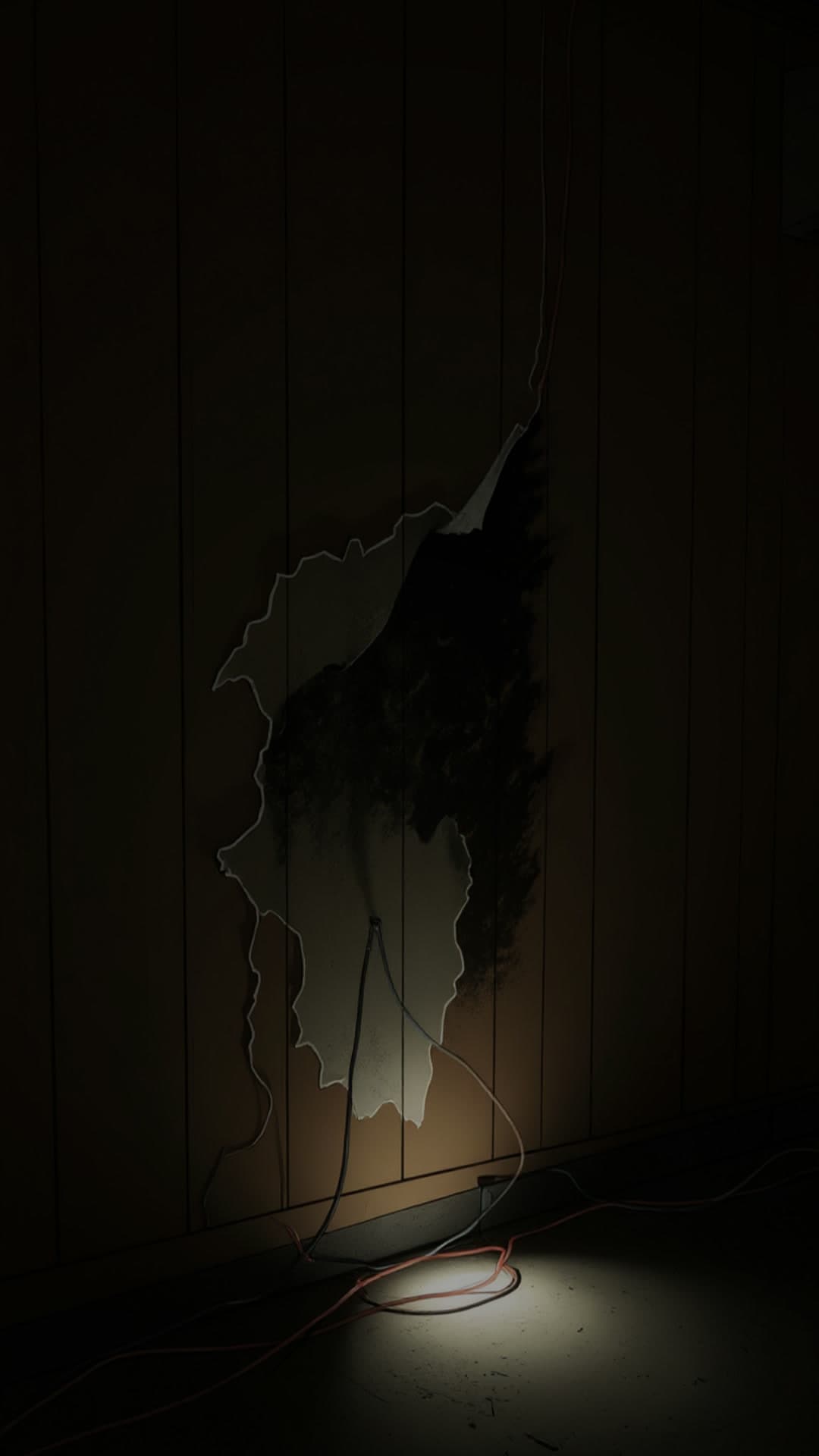
Health
Cinematic · Bella voice
- 0:49
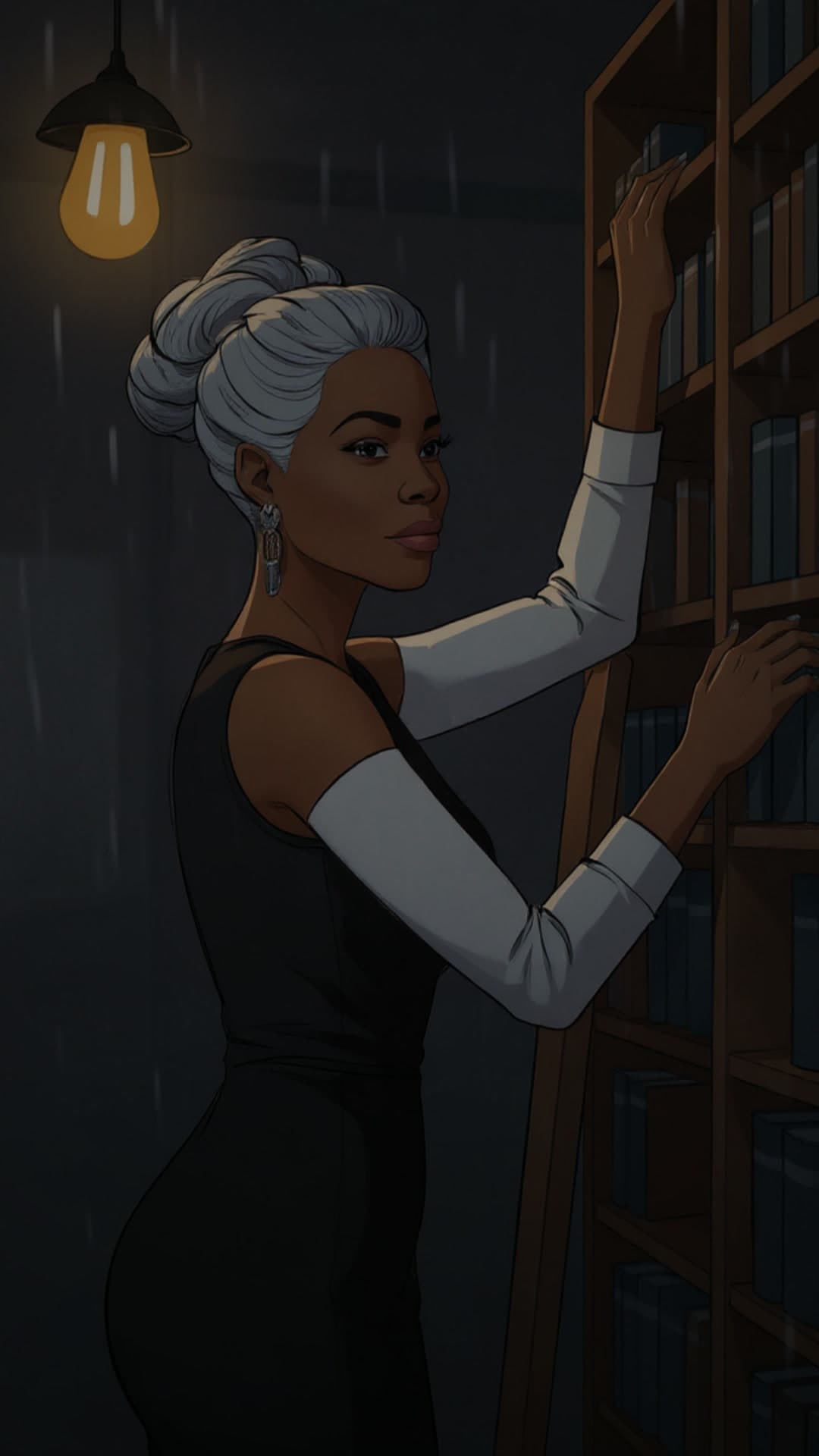
Technology
Neon · Adam voice
- 0:45

Psychology
Realistic · Rachel voice
- 1:02
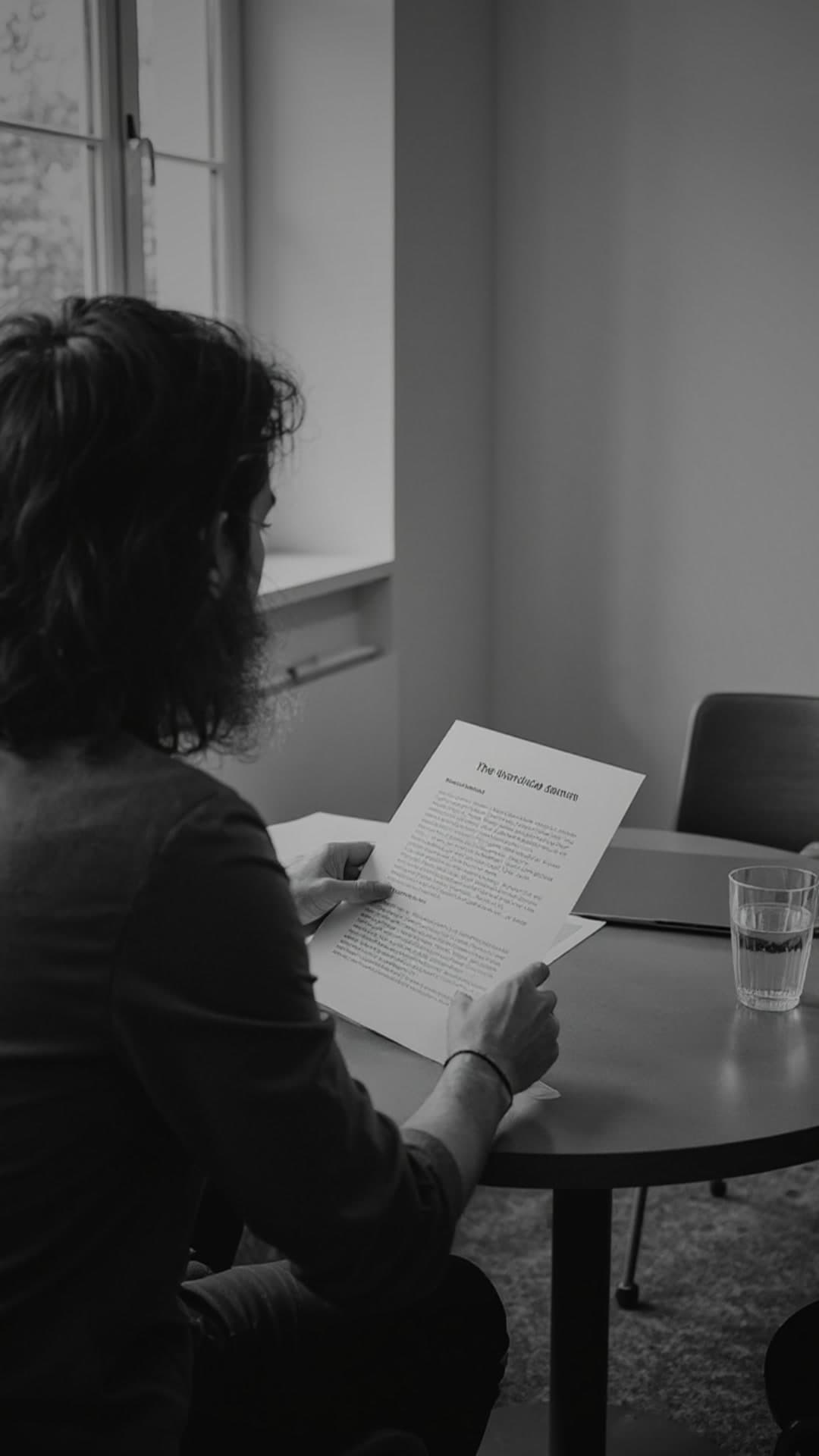
History
Cinematic · Adam voice
- 0:39

Self improvement
Realistic · Bella voice
- 0:36

True crime
Dark · Antoni voice
- 0:38

Mindfulness
Watercolor · Rachel voice
- 0:47
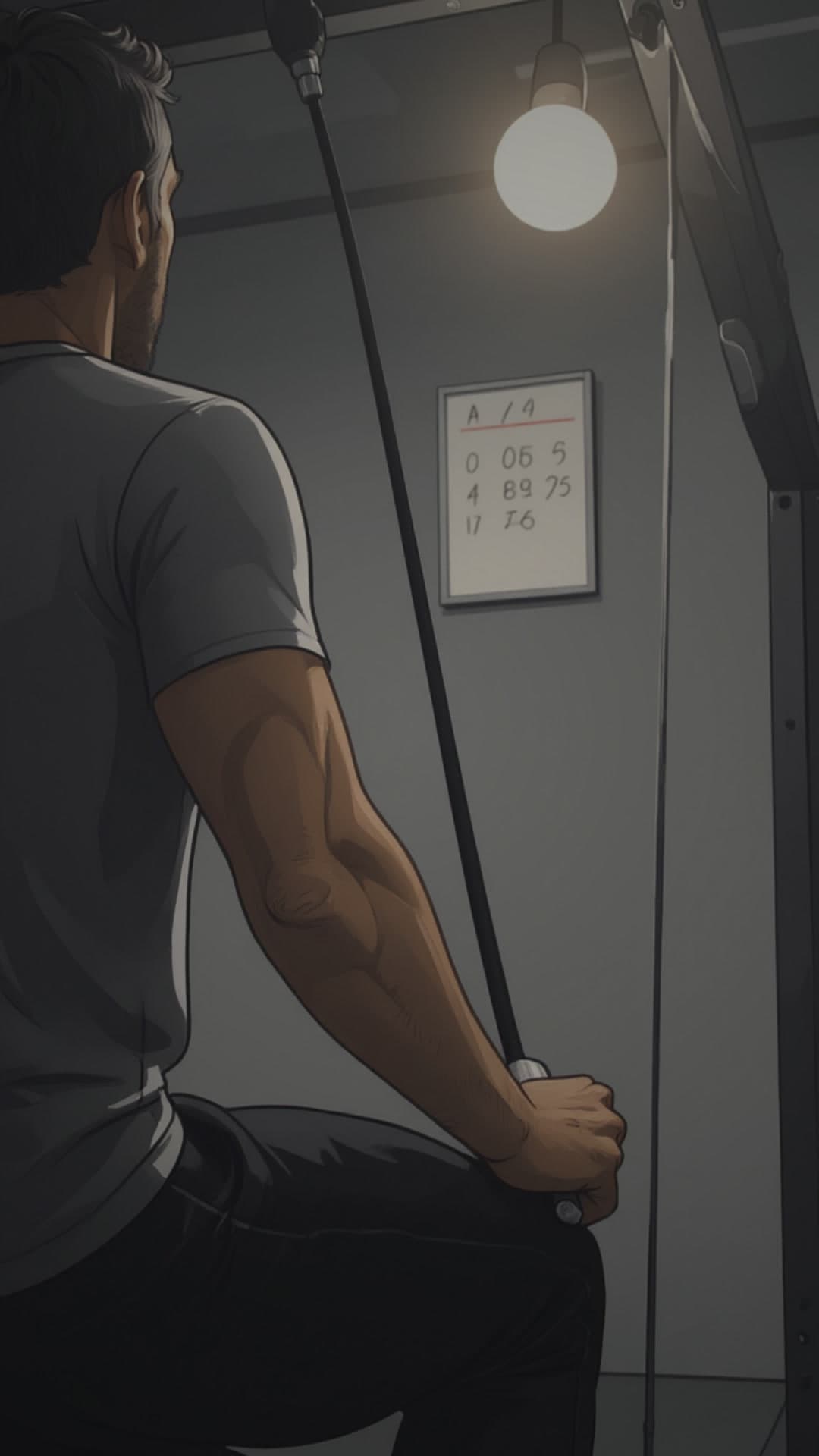
Fitness
Glitch · Adam voice
Features
Everything a short video needs, in one place
Script, voice, visuals, captions, music and publishing — one workflow instead of a stack of tools.
AI script writing
Hook-first scripts paced for short-form, written from your topic or niche. Review and edit every line before rendering.
Natural voiceovers
6 built-in voices, with voice cloning on Hustler and above. Narrate in 29 languages (non-English from Creator).
Visuals in 8 styles
Cinematic, Realistic, Artistic, Dark, Vibrant, Anime, Neon and Vintage — generated for each scene, with camera motion.
Captions and music
Captions timed to the voiceover and a music bed underneath. Animated caption styles on paid plans.
Story Studio
Every video also gets a 15-second Story cut that can post alongside it (Creator and above).
Publishing and scheduling
Connect TikTok, Instagram, YouTube and more. Post right away or schedule from the calendar (Creator and above).
Meet the Originality Engine
Every video gets its own creative direction
Instead of stamping each video from the same template, ReelForge varies nine creative choices on every render — so your channel doesn’t repeat itself.
530M+
530,841,600 possible combinations across 9 creative choices
Everything starts on Auto. Pick the visual style, hook style and tone yourself whenever you want a specific result — Create video offers a curated set of each (8 visual styles), while the counts here are the full pools Auto draws from. On Mogul and Empire, Director Mode pins structure, look, music and more.
9 creative choices
Varied on every render
- 10 optionsAuto
Narrative structure
How the story unfolds
- 16 optionsYou pickAuto
Hook style
How the first seconds grab attention
- 8 optionsYou pickAuto
Tone
How the script and voice feel
- 12 optionsYou pickAuto
Visual style
The overall look of the imagery
- 6 optionsAuto
Camera angle
How each scene is framed
- 8 optionsAuto
Lighting
The mood of the light
- 8 optionsAuto
Color palette
The colors that tie scenes together
- 9 optionsAuto
Motion
How the camera moves across each image
- 10 optionsAuto
Caption style
How on-screen text looks
Automate your content
Keep posting, even on busy weeks
Plan ahead with the calendar, or let Autopilot and Daily Stories keep your channels fresh on a schedule you set.
- Creator and above
Content calendar
See everything scheduled and published across your channels in one calendar, and reschedule with drag and drop.
- Creator and above
Autopilot
Set a recurring schedule and ReelForge creates and posts new videos for you. Creator includes 1 schedule, Hustler 3, Mogul 10 and Empire 25.
- Hustler and above
Daily Stories
A fresh Story posted every day at the time you pick. On Mogul and Empire, Story Series posts 3 Stories per drop.
Who it’s for
Built for people who need to post often
Faceless channel creators
Publish consistently without filming, recording or editing. Keep a channel fed with Autopilot and the calendar.
- Niche presets and custom topics
- Autopilot schedules
- Story cuts for every video
Marketers and small businesses
Turn product launches, offers and tips into short videos for every platform — on brand, without a production budget.
- Product ads from your images
- Brand kits
- Multi-platform publishing
Educators and explainers
Explain a concept in under a minute with a clear script, narration and captions viewers can follow with the sound off.
- Editable scripts
- Captions on every video
- 29 languages
Agencies
Produce for several clients from one account, keep each one on schedule, and plug ReelForge into your own tools.
- Up to 500 videos a month
- Up to 25 Autopilot schedules
- API and webhooks
Pricing
Start free. Upgrade when you’re ready.
Explorer gives you 3 videos every month with no card. Paid plans add 1080p exports, publishing, Autopilot and more videos.
Explorer
Try faceless video generation free
$0/mo
Free forever · no card
- 3 videos per month
- Up to 45s duration
- 720p resolution
- 2 AI voices · 2 visual styles
Creator
Solo creator, one channel
$17/mo
Billed monthly
14-day free trial · card required
- 30 videos per month
- Up to 60s duration
- 1080p HD · No watermark
- 4 AI voices · 4 visual styles
Hustler
Most popularDaily Stories on autopilot
$37/mo
Billed monthly
- 75 videos per month
- Up to 90s duration
- Daily Stories — a fresh AI Story posted every day
- Autopilot — 3 schedules, several videos a day
Mogul
Full automation stack
$67/mo
Billed monthly
- 150 videos per month
- Story Series — up to 3 Stories in each daily drop
- Director Mode — choose hook, structure, look and music
- API access + webhooks
Empire
Agencies + power users
$147/mo
Billed monthly
- 500 videos / month (fair use)
- Advanced Director Mode — per-scene motion and transitions
- Up to 10 API keys
- Voice cloning — 10 instant + unlimited professional
Prices in USD. Only Creator has a free trial; other paid plans bill from day one. Cancel anytime.
Compare all featuresFAQ
Questions, answered
Can’t find what you’re looking for? Contact us.
How does ReelForge AI make a video?
Describe a topic or pick a niche, then choose a length, voice and visual style — or leave them on Auto. ReelForge writes a script you can review and edit, then generates the voiceover, the visuals for each scene, captions and music, and assembles a vertical MP4 for TikTok, Instagram Reels and YouTube Shorts. Most videos are ready in a few minutes.
Do I own the videos I create?
Yes. Subject to our Terms and your plan, you own the videos you generate and may use them for personal and commercial purposes, including monetization on social media platforms. Videos made on the free Explorer plan carry a ReelForge watermark; paid plans export without it. AI output can contain mistakes, so review each video before you publish it.
Read the TermsCan ReelForge post to my social accounts?
Yes, from the Creator plan up. Connect TikTok, Instagram, YouTube, Facebook, X, LinkedIn, Threads, Pinterest, Reddit or Bluesky, then post right away or schedule for later from the content calendar. Autopilot can create and post new videos on a recurring schedule. Instagram Stories require a Business or Creator account. On Explorer you download the MP4 and post it yourself.
How many videos can I make?
Explorer (free) includes 3 videos every month. Paid plans include 30 (Creator), 75 (Hustler), 150 (Mogul) or 500 (Empire, fair use) videos a month. Your allowance refreshes on the 1st of each month, and you can buy a one-off top-up pack if you run out early.
Can I cancel my subscription anytime?
Yes. Cancel from Billing in your account and you keep your plan until the end of the period you paid for. Creator ($17/mo) starts with a 14-day free trial — a card is required and you are not charged if you cancel during the trial. We also offer a 7-day money-back guarantee for new subscriptions; refund requests must be submitted within 7 days of the initial purchase.
How much control do I have over each video?
As much as you want. By default the Originality Engine chooses the structure, hook, tone, look, camera, lighting, color, motion and caption style for you. You can pick the voice, visual style, hook style and tone yourself, and edit the script before it renders. Director Mode on Mogul and Empire pins structure, look, music and more.
What is the Originality Engine?
It varies nine creative choices on every render — narrative structure (10 options), hook style (16), tone (8), visual style (12), camera angle (6), lighting (8), color palette (8), motion (9) and caption style (10) — for 530,841,600 possible combinations, so your videos don’t all look and sound the same. Every choice starts on Auto. You can set the visual style, hook style and tone yourself, and Director Mode on Mogul and Empire pins more.
Which languages are supported?
ReelForge creates videos in 29 languages. Explorer creates videos in English; every paid plan, starting with Creator, unlocks all 29 languages for scripts, voiceovers and captions.
Make your first video free
No card needed. You get 3 free videos every month — keep them, post them, see what works.